 Do Not Stop
Quick answer
After Update 2 went live on Nov 14, 2026, the Roblox game description added two codes: TOURNAMENT and UPDATE2, 250 credits each. Open the Garage in the lobby, go to the Codes tab, type the code and press Redeem. We haven't redeemed them ourselves, and only the Roblox description lists them so far.
Key facts
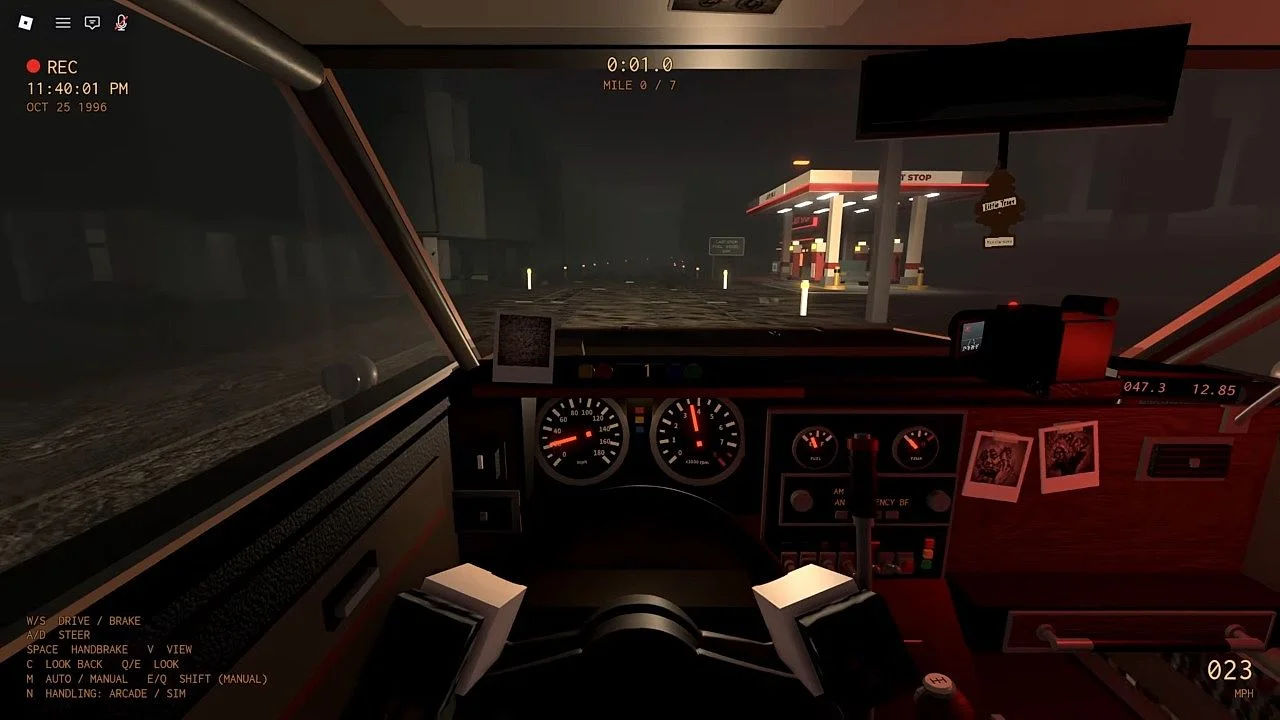
Where the codes come from
The game's Roblox description has a CODES section that says to type them in the lobby under GARAGE then CODES. Before Update 2 it listed four codes: RELEASE, LASTSTOP, DONOTSTOP and ROUTE1610. On Nov 15 it lists six, with TOURNAMENT and UPDATE2 added at 250 credits each.
Roblox shows the game as updated on Nov 14, 2026 at 18:35 UTC, about 90 minutes after the Update 2 and tournament event started at 17:00 UTC. We can't say exactly when the description was edited.
How to redeem
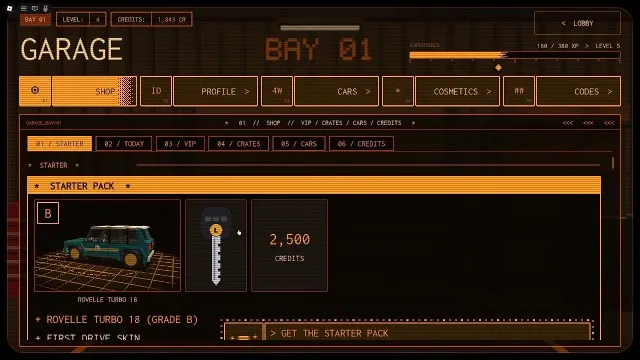
- Load into the lobby and open the Garage.
- Open the Codes tab and type the code in the box.
- Press Redeem. Credits are added to the balance shown top left in the garage.
Tips
- Do them in one visit: the two new codes are worth 500 credits together.
- The tournament event runs until Nov 21, 2026 at 17:00 UTC per the event list; codes can disappear without notice, so redeem early.
- Copy the code exactly as the description spells it.
FAQ
What are the new Do Not Stop codes?
TOURNAMENT and UPDATE2, 250 credits each, listed in the Roblox game description on Nov 15, 2026.
Do the Update 2 codes expire?
The description gives no end date. The tournament event itself ends Nov 21, 2026 at 17:00 UTC, but we don't know if the TOURNAMENT code ends with it.
Where do I type Do Not Stop codes?
Garage, then the Codes tab in the lobby.
Sources
- Do Not Stop on Roblox (game page, badges and event list)
- Roblox game data for Do Not Stop (public API)
- Do Not Stop event list (Roblox virtual-events API)