 Do Not Stop
Quick answer
W and S drive and brake, A and D steer, and Space is the handbrake (the loading tip says to hit it to drift around corners). V changes the view, C looks back, Q and E look left and right. M switches between automatic and manual gears, E and Q shift in manual, and N switches handling between Arcade and Sim.
Key facts
Video

“Do Not Stop GUIDE! (Codes, ALL Maps, Best Cars, Get CREDITS Fast, Tips & Tricks) ROBLOX” by CHALLS on YouTube.Watch on YouTube
Keys
Drive and brake
Steer
Handbrake / drift
Change view
Look back
Look left and right
Auto or manual gears
Arcade or Sim handling
Keys on the in-game hint
| Key | What it does |
|---|---|
| W / S | Drive and brake. |
| A / D | Steer. |
| Space | Handbrake. The loading screen tip reads: Hit Space to drift. |
| V | Change view. In the footage the camera moves between the cockpit and a view behind the car. |
| C | Look back. |
| Q / E | Look left and right. |
| M | Switch between automatic and manual gears. |
| E / Q | Shift up and down when the gearbox is on manual. |
| N | Handling: Arcade or Sim. |
What the screen shows
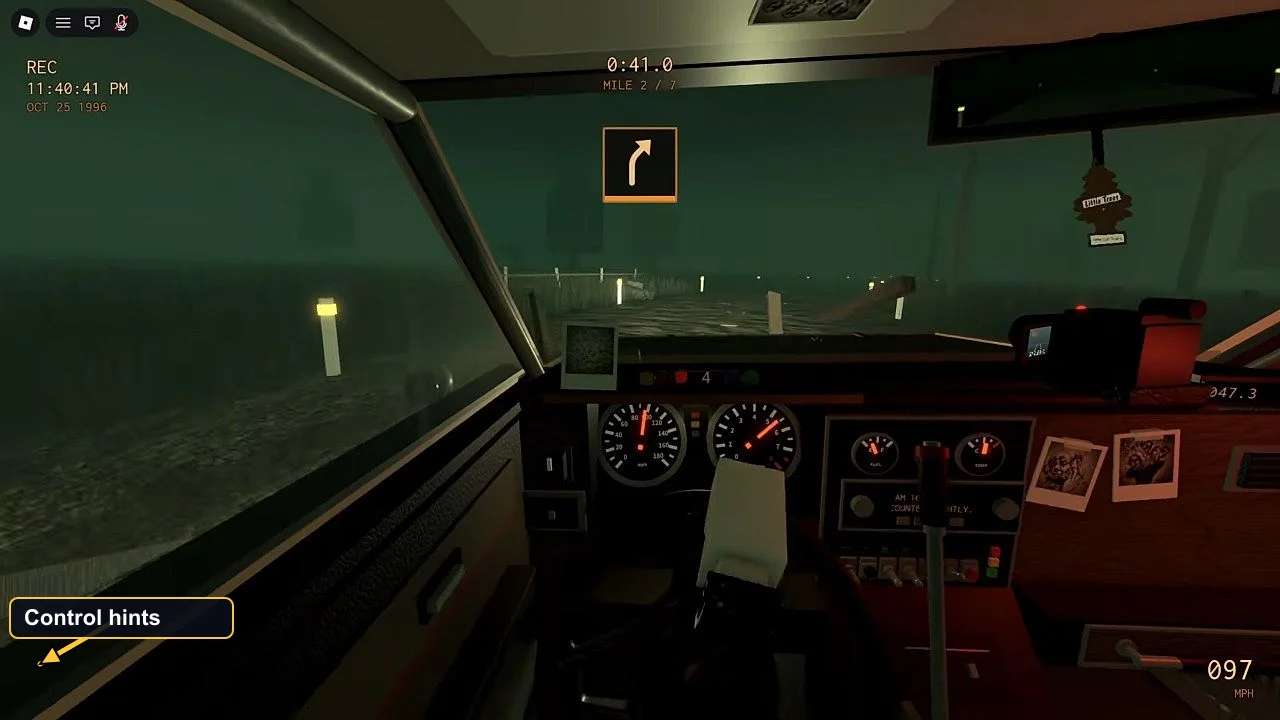
Top centre of the windscreen: your run timer, with the mile counter under it. A square icon above it shows the direction of the next turn. Bottom right: speed in MPH. Bottom left: the key hint shown above, which sits on screen for the first part of a run.
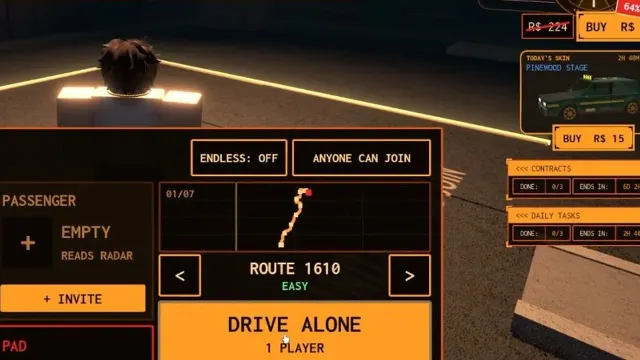
In the lobby, a Records board lists the fastest finish times, and a side panel shows Contracts and Daily Tasks.
Tips
- The key hint appears bottom left at the start of a run and fades later. Read it on the first mile.
- Try Sim handling only after you finish Route 1610 on Arcade. The hint doesn't say which is the default, so check the setting on your first run.
- Gamepad buttons weren't shown in any footage we checked, so we haven't listed any.
FAQ
How do you drift in Do Not Stop?
Hit Space. The loading screen says: Hit Space to drift around corners.
How do you switch to manual gears?
Press M. In manual, E and Q shift gears, according to the in-game key hint.
Can you look behind you?
Yes. C looks back and Q and E look left and right.
Sources
- Do Not Stop GUIDE! Codes, ALL Maps, Best Cars (CHALLS, YouTube)
- Roblox Experience Do Not Stop. Basic Overview (MBT, YouTube)
- Do Not Stop - ALL MAPS Full Walkthrough (Anime Soto, YouTube)
Advertisement