 Do Not Stop
Quick answer
Step on a pad in the lobby, pick a route (Route 1610 is the one marked Easy) and press Drive Alone, or invite a passenger who reads the radar. Then keep driving: W and S drive and brake, A and D steer, Space drifts around corners. Don't stop, because something chases you the whole way. Reach the shelter at the end of the road and the game logs your time and a medal.
Key facts
Video

“Do Not Stop GUIDE! (Codes, ALL Maps, Best Cars, Get CREDITS Fast, Tips & Tricks) ROBLOX” by CHALLS on YouTube.Watch on YouTube
Each step below has a “Watch m:ss” button that plays this video from that moment.
Step by step
Lobby
Step on a pad
Objective: Step on a pad to host or join a car
- Each pad is one car: a driver and a passenger seat. The sign above shows how many seats are taken (1/2).
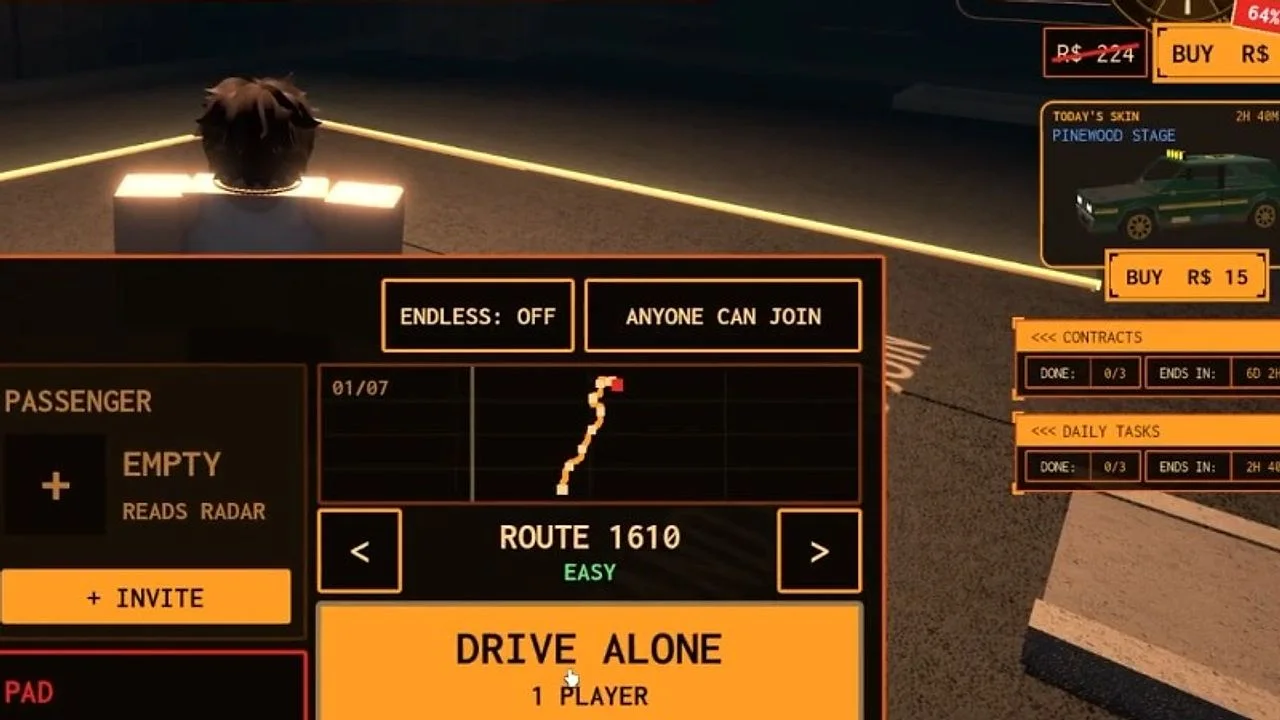
- Walk onto a pad and its menu opens.
Pad menu
Choose a route and who drives
Objective: Pick a route, then press Drive Alone or invite a passenger
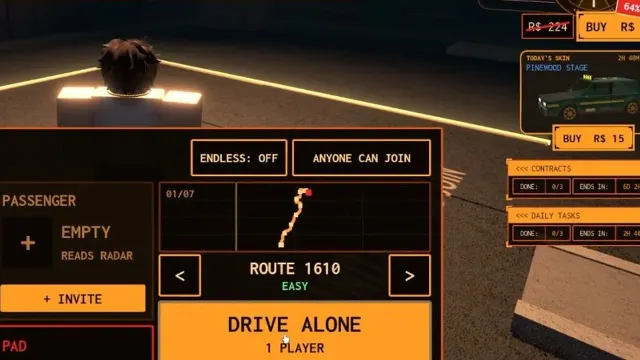
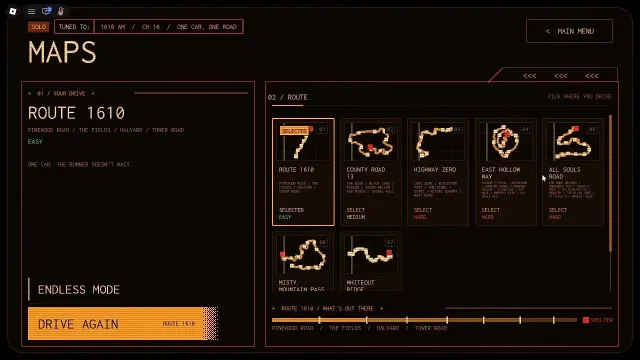
- Use the arrows to flip through the routes. Route 1610 is marked Easy.
- Drive Alone starts at once. Invite adds a passenger, who reads the radar.
- Endless and Anyone Can Join are toggles on the same menu.
On the road
Drive, drift and don't stop
Objective: Follow the road to the shelter
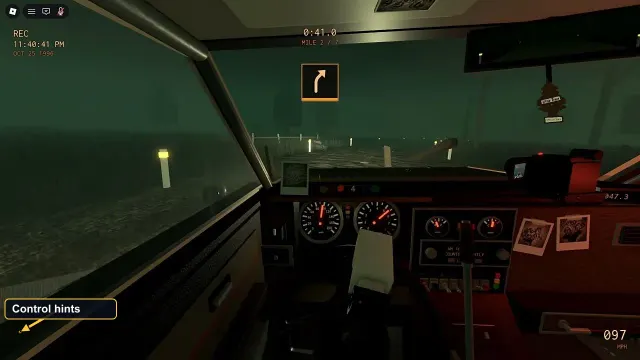
- W and S drive and brake, A and D steer, and Space drifts around corners.
- A timer and a mile counter sit at the top of the screen; an icon shows the next turn.
- Stay on the road: grass drags the car down.
Garage
Redeem codes and spend credits
Objective: Open the garage from the lobby
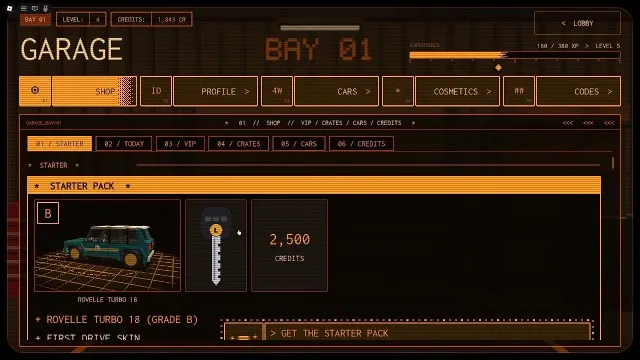
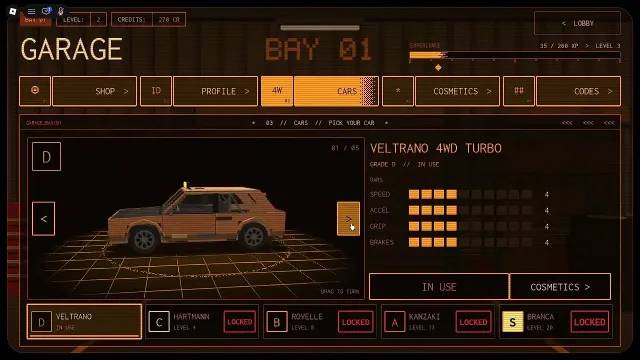
- The garage has Shop, Profile, Cars, Cosmetics and Codes tabs.
- Type a code in the Codes tab and press Redeem.
- The shop has a Starter Pack, daily skin, crates and cars.
What the passenger does
The pad menu has two slots: Driver and Passenger. The passenger slot says Reads Radar, and the East Hollow Way loading tip spells it out: "Passenger? Look down at the scanner. It shows the road ahead, and the Runner in red when it's near."
You can also press Drive Alone (it shows 1 Player) and skip the passenger. The pad menu has an Anyone Can Join toggle and an Endless toggle, which was set to Off in the footage.
Reading the screen while you drive
A timer sits at the top of the windscreen with a mile counter under it (it read MILE 0 / 7 on Route 1610 and MILE 3 / 11 on East Hollow Way). An arrow icon shows the next turn, and the speed shows in MPH at the bottom right.
The loading tips teach two habits: hit Space to drift around corners, and stay off the grass, which "has less grip and drags the car down".
Spend credits when you can
The garage has Shop, Profile, Cars, Cosmetics and Codes tabs. Cars unlock by level: the Hartmann at level 4, the Rovelle at 8, the Kanzaki at 13 and the Branca at 20. Redeem the working codes on our codes page for a few hundred credits.
Quick tips
- Start on Route 1610. It is the only route the game marks Easy, and the walkthrough videos start there too.
- Take a friend as passenger on the harder routes: the scanner shows the Runner in red when it is near.
- Drift with Space on corners instead of braking. Braking is the one thing the game tells you not to do.
- Keep wheels on the road. The East Hollow Way tip says grass drags the car down.
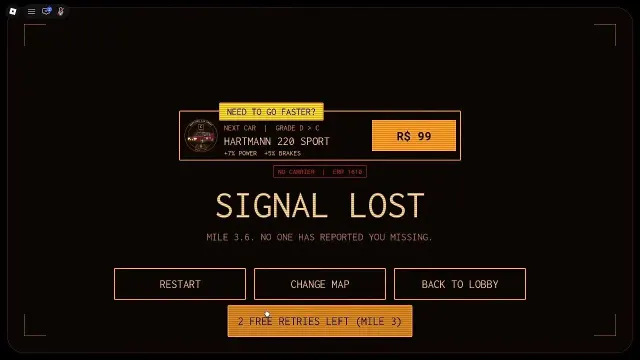
- If you are caught after passing a mile sign, you can retry from that sign. See the retries page.
FAQ
How do you start a run in Do Not Stop?
Walk onto a pad in the lobby. The menu lets you pick a route, then press Drive Alone or invite a passenger. The lobby text says: Step on a pad to host or join a car.
Can you play Do Not Stop with friends?
Yes, in pairs. Each pad is a car with a driver and a passenger seat, and the passenger reads the radar. The game supports up to 30 players per server.
Which route should I play first?
Route 1610. The maps screen marks it Easy and it is the first of the seven routes.
Is Do Not Stop scary?
It is an analog horror driving game. Roblox's content rating for the game lists fear and violence as occasional.
Sources
- Do Not Stop GUIDE! Codes, ALL Maps, Best Cars (CHALLS, YouTube)
- Do Not Stop - ALL MAPS Full Walkthrough (Anime Soto, YouTube)
- Roblox Experience Do Not Stop. Basic Overview (MBT, YouTube)
- Do Not Stop on Roblox (game page, badges, game pass and event list)
Advertisement