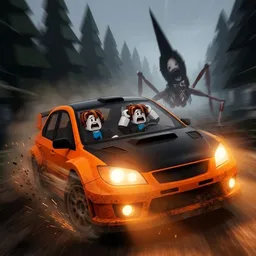
 Do Not Stop
Quick answer
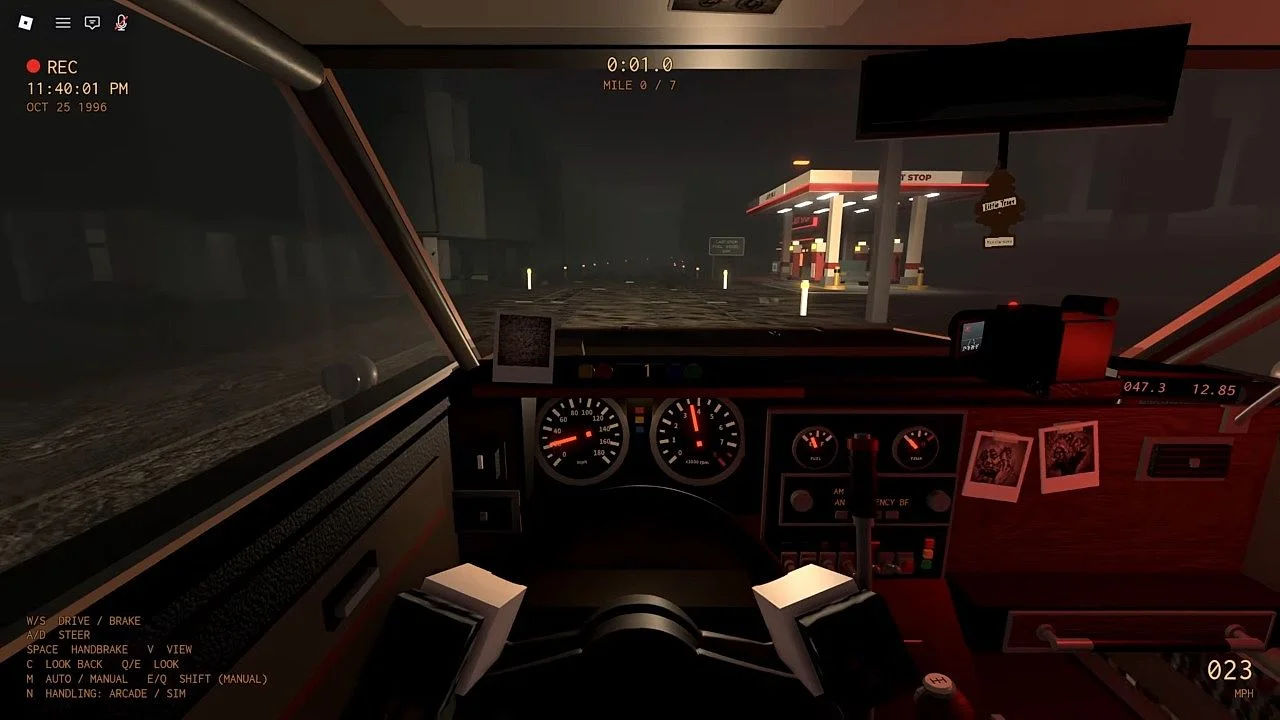
Hit Space to drift around corners. The game's own loading screen says so, and it says to drift instead of braking. Keep the wheels on the road, because a loading tip says grass has less grip and drags the car down. N switches handling between Arcade and Sim.
Key facts
Video

“Do Not Stop GUIDE! (Codes, ALL Maps, Best Cars, Get CREDITS Fast, Tips & Tricks) ROBLOX” by CHALLS on YouTube.Watch on YouTube
How it works in the footage
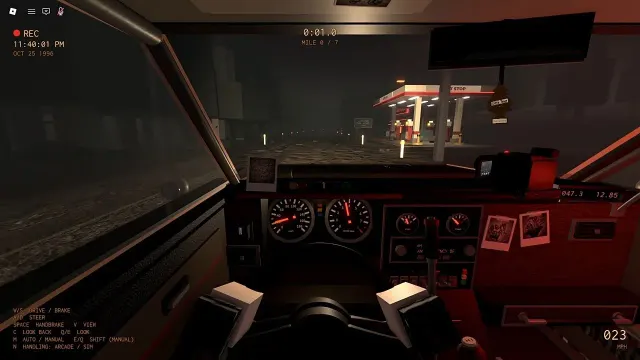
W and S drive and brake and A and D steer. Space is the handbrake, and the loading screen frames it as the way to take a corner: drift around it instead of braking.
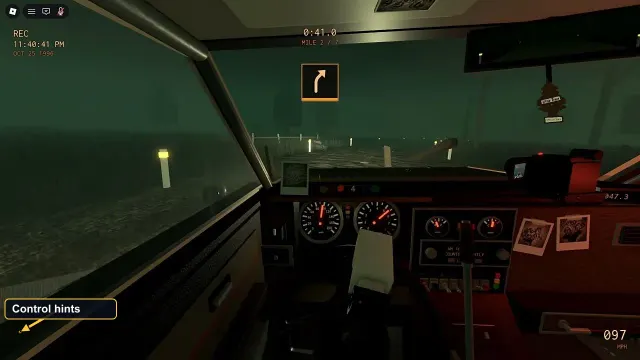
The reason is the chase. Slowing down is what lets the Runner catch you, so the game's habit is to keep your speed through a bend and let the car slide.
Where not to drift
A loading tip on East Hollow Way says grass has less grip and drags the car down. Keep a drift on the road, and if you end up on grass, expect to lose speed.
What we don't know
- Whether Arcade or Sim is the default, and how much each changes a drift. The key hint doesn't say.
- Whether cars drift differently by grade; we haven't compared them.
Tips
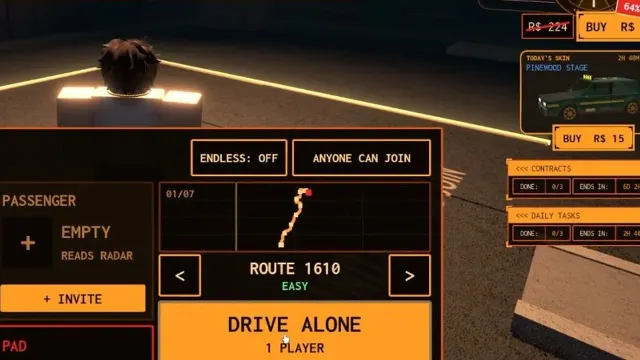
- Learn the drift on Route 1610, the one route marked Easy.
- Tap Space into the corner rather than holding the brake.
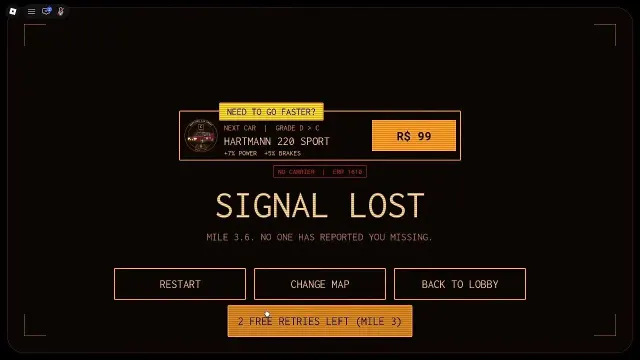
- If you are caught after a mile sign, Retry from Mile puts you back at the last sign, so the corner is worth another go.
FAQ
How do you drift in Do Not Stop?
Hit Space while turning. The loading screen says: Hit Space to drift around corners.
Should I brake or drift in corners?
Drift. The loading tip says to drift instead of braking.
What does N do?
It switches handling between Arcade and Sim, per the in-game key hint.
Sources
- Do Not Stop GUIDE! Codes, ALL Maps, Best Cars (CHALLS, YouTube)
- Do Not Stop - ALL MAPS Full Walkthrough (Anime Soto, YouTube)
- Do Not Stop on Roblox (game page, description and events)